

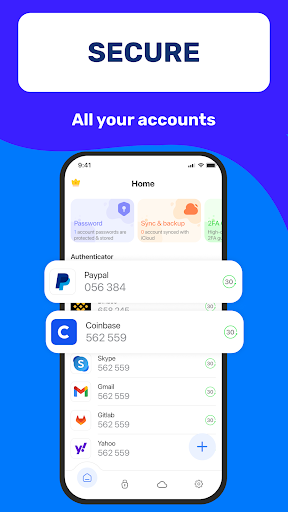
Authenticator App 2FA – Password Manager serves as a comprehensive security and account management solution designed to protect your digital identity. It enables users to secure their online accounts through two-factor authentication (2FA) using QR code scanning, alongside a built-in password manager that stores and autofills login credentials. The app also provides features like Backup & Sync and cloud data storage, ensuring that vital account information remains protected and accessible even when changing devices.
Two-Factor Authentication and Secure Logins
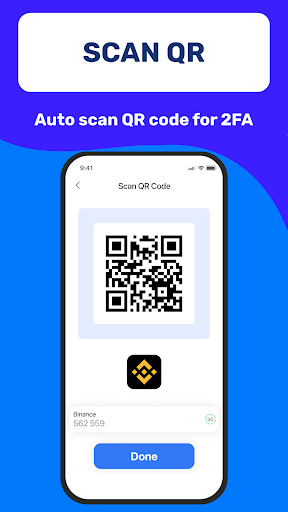
The app simplifies the process of logging into accounts with its Scan QR 2FA feature. This allows users to quickly and securely authenticate their access to various online services by scanning a QR code, enhancing security without complicating the login workflow.
Integrated Password Management and Autofill
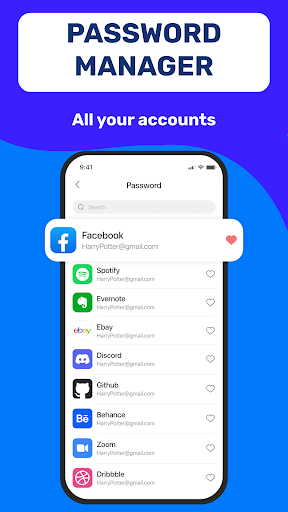
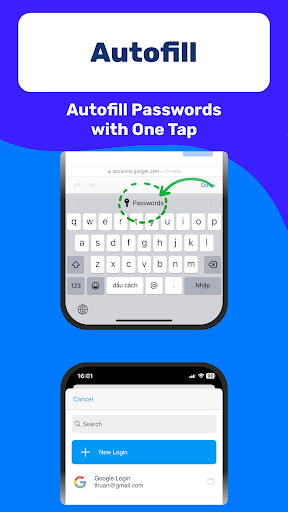
Authenticator App includes a robust Password Manager to store and manage your passwords efficiently. Beyond secure storage, the Autofill capability automatically enters your login information into websites, which helps save time and minimizes potential errors during manual data entry.
Data Security and Portability
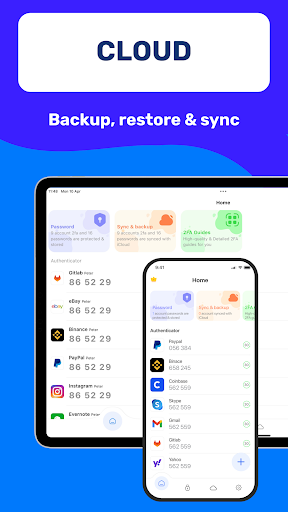
To prevent data loss, the app incorporates a Backup & Sync feature, ensuring your information is preserved when you switch devices or need to reinstall. Additionally, the Data Storage feature on Cloud offers an extra layer of protection against losing your data if your phone is misplaced. For moving data between devices, the Import and Export Data feature provides flexibility. The app also supports importing data from various other authenticator applications, facilitating a smooth transition for users.
Application and Sensitive Information Protection
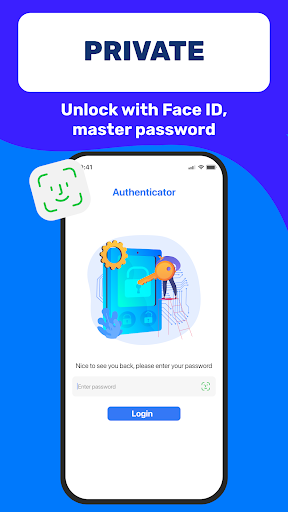
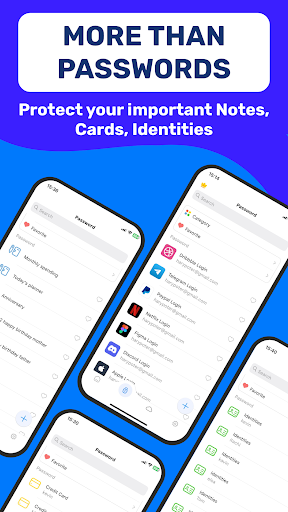
To safeguard the app itself from unauthorized access, it can be unlocked using a Master Password or Touch ID. Furthermore, the Credit Card Note and Vital Identification features allow for the secure and convenient storage of sensitive personal information within the app.
User Interface Enhancements
For comfortable use in diverse lighting conditions, the app offers a Dark Mode. This feature adjusts the interface to a darker theme, which can reduce eye strain in low-light environments.







Write a review